Secure email practices protect business communication from phishing attacks, malware, business email compromise (BEC), and data breaches by combining technical controls, encryption, email authentication protocols, and employee security awareness training. According to Microsoft's Q1 2026 threat report, approximately 8.3 billion email-based phishing threats were detected in a single quarter alone.
The global average cost of a data breach now sits at $4.88 million, and email is the primary entry point for the attacks that cause most of them. The practices in this guide cover multi-factor authentication (MFA), email encryption, SPF, DKIM, DMARC authentication, secure email gateways, employee training, password management, data loss prevention (DLP), and organizational email security policy.
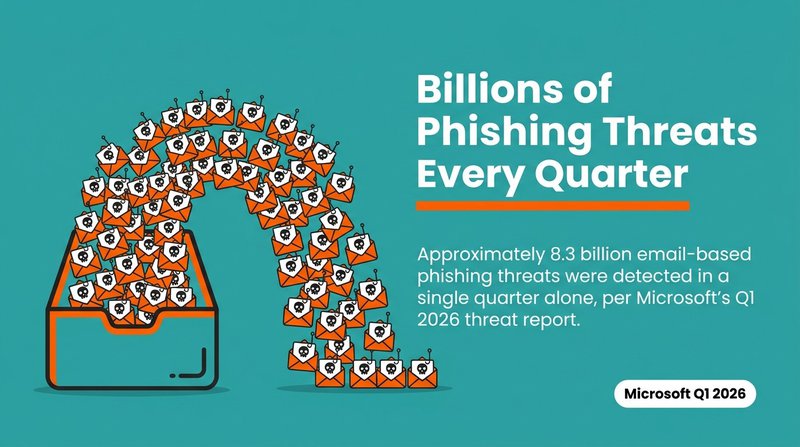
Approximately 8.3 billion email-based phishing threats were detected in a single quarter alone, per Microsoft's Q1 2026 threat report.
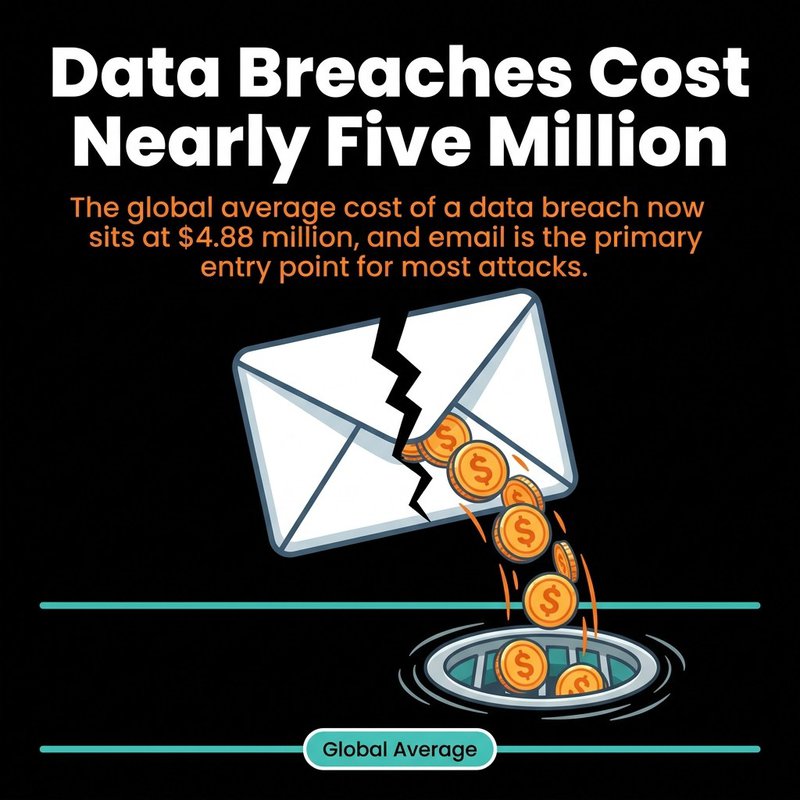
The global average cost of a data breach now sits at $4.88 million, and email is the primary entry point for most attacks.
We spend a lot of time thinking about email at mailfloss. Clean lists, good deliverability, messages that actually land in inboxes. And one thing we keep seeing is that businesses lock down their marketing email hygiene but leave their business communication email wide open. That gap is expensive. So let's walk through what actually works.
Why Email Security Threats Are Getting Worse
Email is the single most targeted attack vector in business technology because it sits at the center of identity, approvals, and access, making every account a potential entry point into the whole organization.
The numbers tell a clear story. 60% of all breaches involved the human element, with phishing accounting for 16% of initial breach vectors. That means your people are the most likely reason an attacker gets in. Not a firewall gap. Not unpatched software. A convincing email.
And those emails are getting better at fooling people. AI-generated spear phishing attacks had become 24% more effective by early 2025, with success rates reaching around 54%. That's more than half of targeted attacks succeeding. Spear phishing attacks are personalized, use real names and context, and read nothing like the obvious scams from ten years ago.
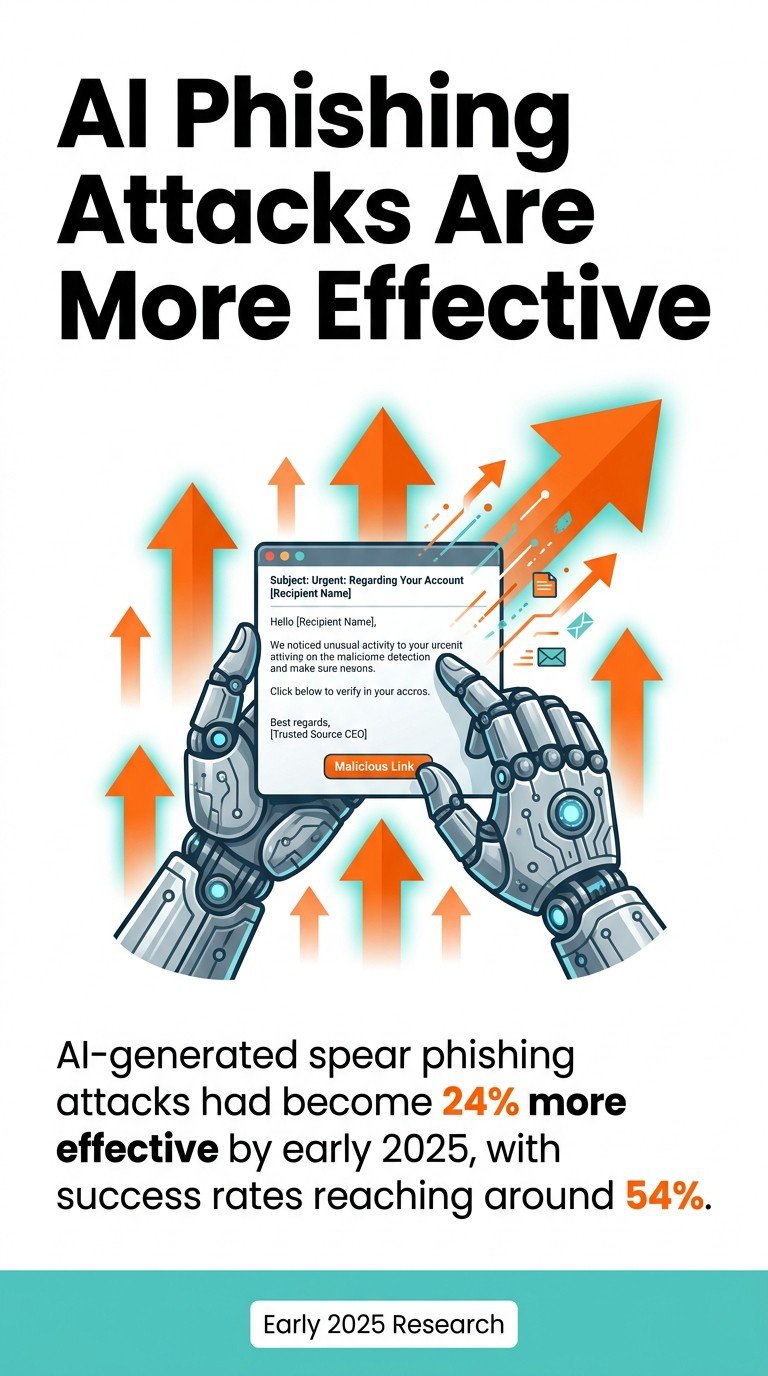
AI-generated spear phishing attacks had become 24% more effective by early 2025, with success rates reaching around 54%.
One in four email messages is either malicious or unwanted spam, according to Barracuda's 2026 Email Threats Report. Your inbox is statistically a minefield, even with basic filters running.
The threat to watch most closely right now is business email compromise. BEC scams have caused more than $55.5 billion in global losses over the past decade, and the average loss per BEC incident has climbed to $137,000, up from $74,723 in 2019. These attacks don't use malware. They use trust. An attacker impersonates a CEO, a vendor, or a finance colleague and asks for a wire transfer or credential update. No malicious attachment required.
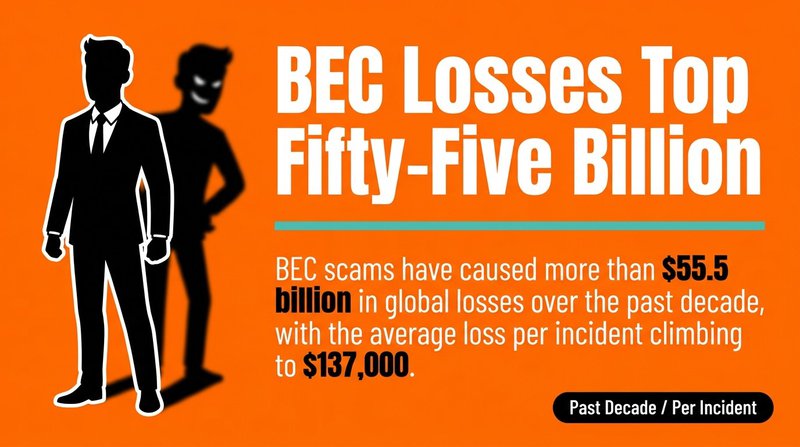
BEC scams have caused more than $55.5 billion in global losses over the past decade, with the average loss per incident climbing to $137,000.
One more number worth sitting with: the mean time to detect and identify a data breach is now 181 days, with an additional 60 days to contain it. That's nearly nine months between the moment an attacker gets in through a phishing email and the moment the breach is fully contained.
The Most Common Email Security Threats to Know
Phishing attacks, business email compromise, malware-laden attachments, and account takeover are the four threat categories responsible for the majority of email-related breaches in business environments.
Most businesses have heard of phishing. Fewer appreciate how varied it has become. Phishing is no longer just suspicious links in bulk emails. Today's phishing attack can include:
- Spear phishing — targeted attacks using personal details harvested from LinkedIn or prior communications
- Whaling — phishing specifically aimed at executives, where a compromised account causes maximum damage
- Vishing and smishing — voice and SMS variants that use email compromise as the entry point
- Clone phishing — legitimate emails are duplicated, with links or attachments swapped for malicious versions
Malware and ransomware arrive most commonly via email attachments or malicious links. An employee opens what looks like a PDF invoice. The attachment runs a script. Ransomware encrypts the file system overnight. 94% of organizations have faced phishing attacks, with an estimated 3.4 billion phishing emails sent daily. Those numbers mean the chance of zero employees ever clicking is essentially zero without active defenses.
Account takeover is subtler. An attacker harvests credentials through a phishing page, logs in quietly, and monitors email traffic for weeks. They learn payment patterns, vendor names, internal language. Then they strike with a BEC scam that sounds exactly right.
About 75% of insider breaches are non-malicious, with roughly 55% involving careless or mistaken employees. Misaddressed emails, clicking suspicious links, forwarding sensitive documents to personal accounts. The threat isn't always external.
1. Enable Multi-Factor Authentication on All Email Accounts
Multi-factor authentication (MFA) is the single most effective control for preventing unauthorized account access, because stolen passwords alone become worthless when a second verification step is required.
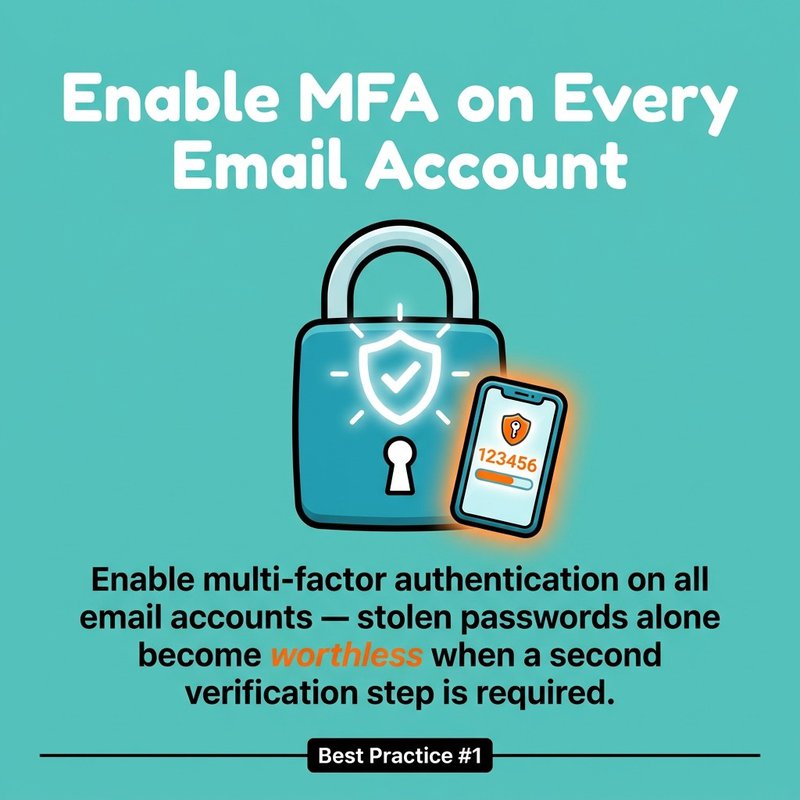
Enable multi-factor authentication on all email accounts — stolen passwords alone become worthless when a second verification step is required.
Most credential theft through phishing gives attackers a username and password. Full stop. MFA breaks that chain. Even when a phishing attack successfully captures credentials, the attacker can't log in without the second factor. That second factor might be an authenticator app code, a hardware key, or a biometric prompt.
How to Deploy MFA Effectively
Start with all administrator accounts and any accounts that handle financial approvals, payroll, or vendor management. These are the targets BEC attackers go after first. Then roll MFA out organization-wide.
Authenticator apps like Google Authenticator or Microsoft Authenticator are more secure than SMS-based 2FA because SMS codes can be intercepted through SIM-swapping attacks. Hardware keys like YubiKey are stronger still for high-risk accounts.

Two-factor authentication (2FA) is the minimum baseline. For accounts with access to sensitive data, full MFA with phishing-resistant methods is the right call. Conditional access policies can also trigger additional MFA prompts when logins come from unusual locations or devices, adding another layer without requiring employees to verify every single login.
MFA and Phishing Resistance
Standard MFA can still be beaten by sophisticated phishing attacks that proxy login sessions in real time. Phishing-resistant MFA, specifically passkeys and FIDO2 hardware keys, cannot be intercepted this way because they're cryptographically bound to the domain. For finance teams and executives, that distinction matters.
Rolling out multi-factor authentication takes an afternoon of configuration. The protection it adds lasts indefinitely. That's one of the best returns on time investment in all of email security best practices.
2. Use Email Encryption to Protect Sensitive Communications
Email encryption prevents unauthorized parties from reading email content in transit and at rest, and businesses handling sensitive data have both a security and a compliance obligation to use it.
Most people assume their email is private. It isn't, by default. Email travels across servers in plaintext unless encryption is explicitly applied. Anyone intercepting traffic on an insecure network can read it. The global digital signature market was valued at $6.98 billion in 2025, reflecting how much organizations are investing in cryptographic email security. That's a market responding to real demand from businesses that need verifiable, secure communications.
Types of Email Encryption
There are three main encryption approaches for business email, and they protect different parts of the message journey.
TLS (Transport Layer Security) encrypts email in transit between mail servers. Most major email providers support TLS, and it's the baseline. But TLS only protects the connection, not the message content sitting on a server.
S/MIME (Secure/Multipurpose Internet Mail Extensions) uses public-key infrastructure (PKI) to encrypt message content and add digital signatures. Both sender and recipient need digital certificates. S/MIME is widely supported in enterprise email clients and is a strong choice for organizations with compliance requirements under HIPAA or GDPR.
End-to-end encryption using tools like PGP (Pretty Good Privacy) ensures only the intended recipient can decrypt the message. The keys never leave the endpoints. This is the strongest form of email encryption, though it requires both parties to have compatible key infrastructure.
Encryption and Compliance
HIPAA requires encryption for protected health information. GDPR treats encrypted data more favorably under breach notification rules. If a breach occurs and the affected data was encrypted, regulators in many jurisdictions treat that very differently than an unencrypted exposure.
For a practical starting point: enable TLS on your mail server, use S/MIME for any emails containing financial, legal, or health data, and look at our guide to email encryption methods for a deeper breakdown of each option. Our guide to email security best practices for marketers also covers how encryption intersects with deliverability.
3. Implement SPF, DKIM, and DMARC Authentication Protocols
SPF, DKIM, and DMARC are email authentication protocols that verify sending domains, prevent spoofing, and give receiving mail servers the instructions they need to handle unauthenticated messages, protecting your domain from being used in phishing attacks against others.
Here's the adoption problem. Only about 30% of scanned domains had deployed DMARC, with fewer than 13% enforcing policies. And in the same research, SPF adoption sat at 56%, while DKIM lagged at 22.7%. That means the majority of domains are leaving their email identity unprotected.
What Each Protocol Does
SPF (Sender Policy Framework) publishes a DNS record listing the mail servers authorized to send email on behalf of your domain. A receiving server checks whether the sending server is on that list. If it isn't, the email fails SPF.
DKIM (DomainKeys Identified Mail) adds a cryptographic signature to outgoing messages. The receiving server checks that signature against a public key in your DNS. A valid DKIM signature means the message wasn't tampered with in transit and came from an authorized sender.
DMARC (Domain-based Message Authentication, Reporting and Conformance) builds on SPF and DKIM. It tells receiving servers what to do when a message fails both checks: deliver it, quarantine it, or reject it outright. It also sends you reports on authentication results, which is genuinely useful for spotting unauthorized use of your domain.
Getting DMARC to Enforcement
The gap between having DMARC deployed (30%) and having it set to enforcement (13%) is where most organizations stall. A DMARC policy set to p=none collects data but takes no action. p=quarantine and p=reject are the policies that actually stop spoofed emails.
Start at p=none to monitor for a few weeks without disrupting legitimate mail. Read the reports. Fix any legitimate sending sources that fail authentication. Then move to p=quarantine, monitor again, and progress to p=reject once you're confident. This process also improves email deliverability for your own campaigns, since authenticated domains perform better at inbox placement. If you're seeing deliverability issues, our piece on why emails go to spam covers how authentication failures contribute.
4. Train Employees to Recognize Phishing and Social Engineering
Security awareness training that includes regular phishing simulation exercises is the most direct way to reduce the human risk that accounts for the majority of successful email attacks.
Human errors cause approximately 60% of all security breaches. Technical controls matter. But if your people can't recognize a phishing email, every other control is playing defense against a threat that already got past the front door.
What Effective Phishing Training Looks Like
One annual security awareness training session does not move the needle. The research is clear that repetition and active practice change behavior where passive instruction doesn't.
Phishing simulation tools like KnowBe4 and Proofpoint Security Awareness Training send fake phishing emails to employees and track who clicks. Employees who fall for the simulation get immediate, context-sensitive feedback. That's the moment training sticks. Not a slide deck three months earlier.


Effective security awareness training covers:
- How to spot suspicious sender addresses and display name spoofing
- Why urgent language and unusual payment requests are red flags
- Safe practices for suspicious link handling before clicking
- How to verify requests for wire transfers or credential changes through a separate channel
- What to do when they suspect a phishing attack, including who to report it to
Building a Reporting Culture
Training only works if employees feel safe reporting mistakes. If someone clicks a phishing link and hides it because they're afraid of consequences, the breach goes undetected. The average organization takes 181 days to detect a breach. A culture where employees report immediately cuts that window dramatically.
Make reporting easy. A single email address or Slack channel for "I think I clicked something suspicious" is enough. Reward reporting. Never punish it. The goal of phishing awareness training is behavior change, not blame assignment.
5. Deploy a Secure Email Gateway
A secure email gateway filters inbound and outbound email traffic before it reaches user inboxes, blocking malware, ransomware attachments, phishing links, and spam at the infrastructure level.
Your built-in spam filter catches a lot. It doesn't catch everything. A dedicated secure email gateway adds URL scanning, attachment sandboxing, and behavioral analysis that basic filters skip. Sandboxing means a suspicious attachment is detonated in an isolated environment first. If it runs malicious code, it never reaches the employee's inbox.
Key Features to Look For
When choosing a secure email gateway, prioritize these capabilities:
- URL rewriting and click-time scanning — checks links at the moment they're clicked, not just when the email arrives, catching phishing pages that go live after delivery
- Attachment sandboxing — isolates and executes suspicious files in a safe environment before delivery
- Outbound filtering — catches emails containing sensitive data or suspicious content leaving your organization
- DMARC and SPF enforcement — validates authentication at the gateway level
- BEC protection — uses AI to flag display name impersonation and lookalike domain attacks
Well-known secure email gateway options include Proofpoint, Mimecast, and Barracuda Email Protection. Microsoft 365 Defender and Google Workspace both include gateway-level protections in their enterprise tiers.


The email security market is projected to reach $5.89 billion in 2026, growing at a CAGR of 12.57%. The investment organizations are making here reflects how central a secure email gateway has become to baseline defense.
6. Enforce Strong Password Policies and Use a Password Manager
Strong, unique passwords combined with a password manager reduce credential-based account takeover risk by eliminating the two most common password failures: reuse across accounts and predictable patterns.
Password reuse is the reason credential stuffing works. An attacker buys a list of leaked usernames and passwords from a previous breach and tries them against your email platform. If an employee used the same password on a breached retail site and their work email, the attacker gets in. No phishing required.
Password Policy Requirements
A strong password policy for email accounts should specify:
- Minimum 14-character passwords (length matters more than complexity rules)
- No reuse of previous passwords
- Mandatory change after any suspected compromise
- Prohibition on using company name, year, or obvious patterns
Password managers like 1Password and Bitwarden generate and store unique passwords for every account. Employees don't need to remember them. They need one strong master password and MFA on the password manager itself.


Pairing Passwords with MFA
Strong passwords and multi-factor authentication work together, not as alternatives. A 20-character password is still vulnerable to phishing if an employee types it into a convincing fake login page. MFA catches that. Password strength matters for brute force resistance. MFA matters for phishing resistance. Both are necessary for secure email.
If your team is still relying on self-generated passwords without a manager, that's the fastest fix available. A business-tier password manager for a team of 20 costs less per month than the administrative time spent on a single password reset request.
7. Establish a Data Loss Prevention Strategy for Email
Data loss prevention (DLP) tools monitor outbound email for sensitive content, including personally identifiable information, financial data, and protected health information, and block or flag messages that violate defined policies before they leave the organization.
The insider threat isn't always malicious. About 55% of insider breaches involve careless or mistaken employees. Someone emails a spreadsheet of customer records to their personal Gmail to work on it over the weekend. No bad intent. Still a breach. DLP catches that before it becomes a regulatory problem.
What DLP Policies Cover
DLP tools scan email content and attachments for patterns matching sensitive data types. Common policy rules include blocking emails containing credit card numbers in the body, flagging outbound emails with attachments over a certain size to external domains, and alerting security teams when bulk customer data leaves the network.
Microsoft Purview and Google Workspace both include DLP features in enterprise plans. Dedicated DLP platforms offer more granular control for organizations with strict compliance requirements.
DLP also protects against misaddressed email, one of the simplest and most common data exposure events. A DLP rule that delays outbound emails to external recipients by 60 seconds gives employees a chance to catch mistakes before they can't be taken back.
8. Handle Suspicious Links and Attachments Safely
Safe handling of suspicious links and malicious attachments requires defined procedures that employees follow consistently, because a single click on a malicious file can deploy ransomware across an entire network.
The procedure matters as much as the awareness. Knowing that phishing exists doesn't tell an employee what to do when they get a suspicious invoice from a vendor they recognize. The handling protocol needs to be specific.
Link Verification Steps
Before clicking any link in a business email, employees should hover to reveal the actual URL destination. Lookalike domains are a common phishing technique: paypa1.com instead of paypal.com, or a long subdomain that buries the real destination after a legitimate-looking prefix.
For high-risk links, use a URL scanner like VirusTotal before visiting. Never enter credentials into a site reached through an unexpected email link, even if the page looks correct.

Attachment Handling Protocol
Treat unexpected attachments from known contacts with the same suspicion as attachments from strangers. A BEC attack often uses compromised accounts, so the email genuinely comes from a colleague's real address. The colleague doesn't know they sent it.
Verify unexpected invoices, payment requests, or documents requesting action through a separate channel, such as a phone call or a new email thread, before opening attachments or taking the requested action. This single habit stops most BEC attempts cold.
9. Develop and Enforce an Email Security Policy
An email security policy is a formal document defining acceptable email use, required security controls, and employee responsibilities, and it gives your organization the framework to consistently enforce secure email practices across every role and device.
Most small and mid-sized businesses don't have a written email security policy. They have informal norms. When a breach happens, those norms don't protect you legally or operationally. A policy does.
What an Email Security Policy Should Include
A practical email security policy covers approved devices and email clients, requirements for MFA and encryption on work accounts, rules for handling sensitive information in email, procedures for reporting suspected phishing attacks, and consequences for policy violations.
The policy should also address automatic email forwarding. Many employees set up forwarding rules to personal accounts for convenience. Those rules can silently route sensitive communications to unmanaged accounts indefinitely, and they're frequently missed in security audits. Disable automatic forwarding to external domains at the platform level, not just the policy level.
Remote Work and Device Policy
Remote workers accessing business email on personal devices create additional exposure. Mobile device management (MDM) allows IT teams to enforce email security settings on any device accessing company email, including requiring device encryption, screen lock, and remote wipe capability if a device is lost.
If your team uses platforms like Mailchimp, HubSpot, or ActiveCampaign for marketing email, a strong email security policy also covers access controls on those platforms. Compromised marketing platform credentials can damage your sender reputation and expose your subscriber list. Our guide on email verification best practices for security and deliverability covers the intersection of list quality and account security.
10. Run Regular Phishing Simulations and Security Audits
Phishing simulation programs and periodic security audits measure the real-world effectiveness of security awareness training and technical controls, identifying gaps before attackers do.
You can't improve what you don't measure. A phishing simulation tells you exactly what percentage of your team would click a malicious link today. That number either validates your training investment or tells you where to focus next.
Designing Effective Phishing Simulations
Good phishing simulation programs vary the attack types across campaigns. A credential harvesting test one month, a malicious attachment test the next, a BEC-style impersonation attack after that. Each type exploits different vulnerabilities and trains different recognition skills.
Track click rates, reporting rates, and repeat offenders. A team member who clicks in three consecutive simulations needs targeted one-on-one training, not another group session. The data from phishing simulation programs is some of the most actionable security data a business has access to.
Broader Email Security Audits
Beyond simulations, a full email security audit should review DMARC, SPF, and DKIM configuration, check for unauthorized email forwarding rules, verify MFA enrollment across all accounts, test secure email gateway rules against current threat samples, and assess DLP policy coverage.
Run this audit at least annually, or after any significant organizational change like an acquisition, a major system migration, or a staff reduction. Audit findings feed directly back into your email security policy, keeping the policy relevant rather than a document that dates from the last time anyone had time to think about it.
Frequently Asked Questions About Secure Email Practices
What is the most important secure email practice for small businesses?
Multi-factor authentication on all email accounts delivers the highest impact for the least effort. A phishing attack that successfully steals a password becomes useless against an account protected by MFA. Enable it first, then work through the rest of this list.
What does email encryption actually protect?
Email encryption protects message content from being read by anyone other than the intended recipient. TLS protects email in transit between servers. S/MIME and end-to-end encryption protect the content itself, so even if a server is compromised, the messages can't be read without the decryption key.
How do SPF, DKIM, and DMARC protect against phishing?
SPF, DKIM, and DMARC together verify that an email claiming to come from your domain was actually sent by an authorized server, wasn't tampered with in transit, and instruct receiving servers to reject or quarantine messages that fail those checks. This blocks attackers from impersonating your domain in phishing attacks targeting your customers or partners.
How often should phishing simulation tests be run?
Monthly phishing simulations produce meaningfully better results than quarterly ones, because the reinforcement interval is short enough to keep security behaviors fresh. At minimum, run phishing simulations quarterly. Monthly is better for organizations in high-risk industries or those with a history of successful phishing attacks.
Does email verification relate to email security?
Yes, directly. Sending to invalid or fake email addresses damages your sender reputation, which affects deliverability and can get your domain flagged by spam filters. A clean list also means you're not exposing customer data through emails that bounce to unexpected destinations. See our piece on how role-based emails hurt deliverability for a specific example of list hygiene affecting both security and inbox placement.
Building Secure Email Habits That Stick
Secure email practices work as a system. MFA stops credential theft. Email encryption protects content. SPF, DKIM, and DMARC authentication stops impersonation. A secure email gateway filters threats at the infrastructure level. Employee training through security awareness programs and phishing simulation closes the human gap. Strong passwords and a password manager prevent reuse attacks. DLP catches accidental data exposure. A written email security policy holds it all together.
No single control is enough on its own. BEC scams don't care about your spam filter if your employees don't recognize social engineering. Phishing simulation results don't matter if you haven't deployed multi-factor authentication. The practices reinforce each other.
Start with MFA if you haven't already. Then check your DMARC record. Those two steps, both achievable in an afternoon, address the most common attack vectors directly. Add employee training and a secure email gateway next. Build toward a full email security policy over the following quarter.
And while you're cleaning up your security posture, don't forget the list quality side of email. Invalid addresses and list hygiene problems compound security issues by hurting deliverability and sender reputation. mailfloss automates that part. Set it up once and it runs quietly in the background, just like the rest of your security stack should.

No comments:
Post a Comment