Email data security protects subscriber information through authentication protocols, encryption, access controls, and proactive threat detection to prevent unauthorized access and data breaches.
Approximately 3.4 billion phishing emails are sent every day globally, making robust email security essential for protecting subscriber data. Organizations that experience email breaches face dual threats: 71% of those breached through email were also hit with ransomware.
Authentication standards like SPF, DKIM, and DMARC verify sender legitimacy and block spoofing attempts that could expose subscriber information. Between 68% and 95% of breaches involve some form of human error, which means technical safeguards must work alongside team training.
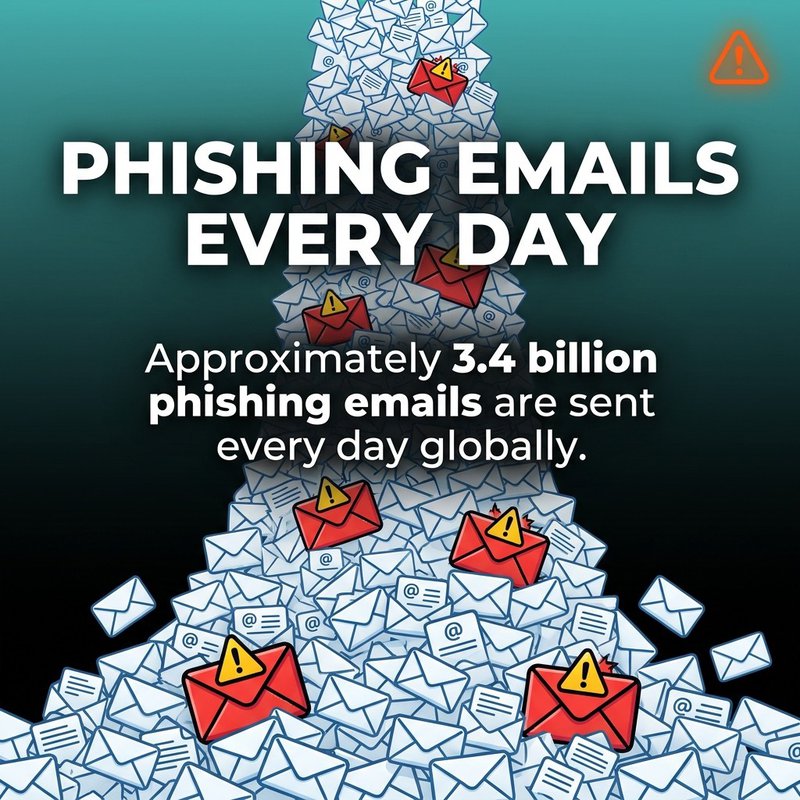
Approximately 3.4 billion phishing emails are sent every day globally.
You know that sinking feeling when you realize your subscriber list might be vulnerable? We've helped thousands of businesses protect their email data, and honestly, the stakes have never been higher. Your subscribers trust you with their information, and one breach can destroy years of relationship-building. But the good news? Protecting email data doesn't require a security degree or a massive budget, just the right approach and some smart automation.
What Email Data Security Actually Means
Email data security protects subscriber information from unauthorized access, theft, and misuse through technical controls and operational procedures.
Think of it as a multi-layered shield around your subscriber list. It covers everything from the moment someone enters their email address to how you store, process, and eventually delete that information.
The protection includes subscriber names, addresses, behavioral data, purchase history, and any personal details you've collected. Each data point represents trust that your subscribers have placed in you.
Most businesses focus solely on preventing external attacks. That's necessary but incomplete.
Internal threats matter just as much. Employee access, third-party integrations, backup systems, and data sharing practices all create potential exposure points.
The global average cost of a data breach in 2025 was approximately 4.44 million dollars. That's why comprehensive email data security addresses both external threats and internal vulnerabilities simultaneously.
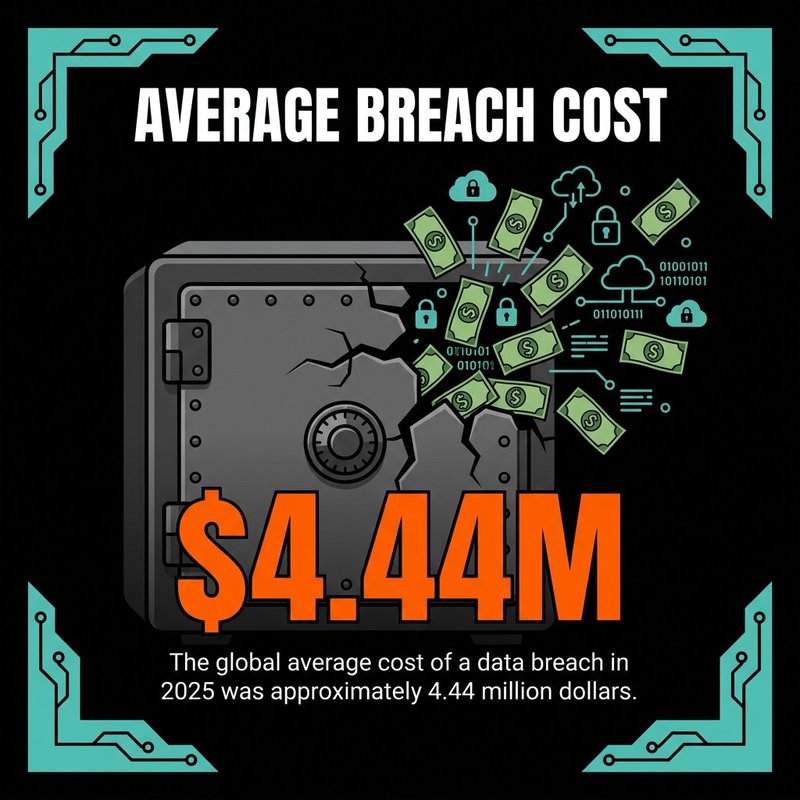
Global average cost of a data breach in 2025: approximately $4.44 million.
The Real Cost of Poor Email Security
Financial losses represent just one dimension of breach impact.
Reputation damage often proves more devastating than immediate costs. Subscribers leave, prospects hesitate, and competitors capitalize on your vulnerability.
Regulatory penalties add another layer. GDPR explicitly recommends email encryption and pseudonymization, and violations can cost millions.
Recovery takes significant time. Most organizations take around 21 days to recover from a ransomware attack, during which downtime can cost enterprises roughly 300,000 dollars per hour.
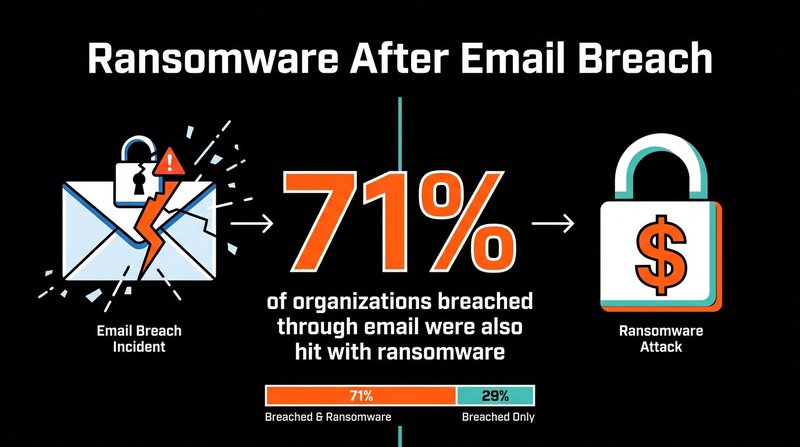
71% of organizations breached through email were also hit with ransomware.
Major Threats to Subscriber Information
Email-based attacks target subscriber data through multiple attack vectors that exploit both technical vulnerabilities and human behavior.
Understanding these threats helps you prioritize your defensive strategy and allocate resources where they matter most.
Phishing and Social Engineering
Phishing remains a leading initial attack vector with an average incident cost of about 4.88 million dollars. Attackers craft convincing emails that trick recipients into revealing credentials or clicking malicious links.
The sophistication has increased dramatically. Modern phishing campaigns use personalized details, spoofed domains that look nearly identical to legitimate ones, and urgent language that bypasses rational thinking.
Google's defensive systems block about 100 million phishing emails per day. That volume shows how pervasive this threat has become.
Social engineering attacks manipulate human psychology rather than exploiting technical flaws. Attackers research targets, build trust over time, and strike when defenses are down.
Business Email Compromise Attacks
Business Email Compromise involves impersonating executives or trusted partners to authorize fraudulent transactions or data transfers.
The financial impact is staggering. BEC scams generated nearly 2.8 billion dollars in losses from over 21,000 complaints in one year.
Companies without DMARC are 4.6 times more likely to fall victim to BEC attacks. That single statistic should convince any business to implement proper authentication.
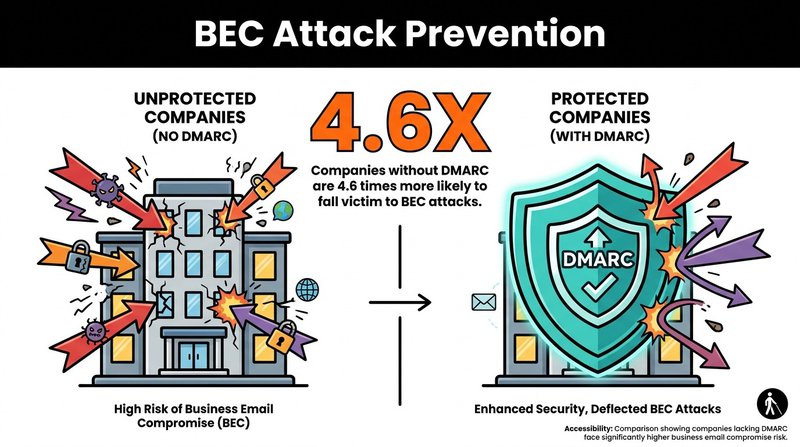
Without DMARC, companies are 4.6x more likely to suffer BEC attacks.
These attacks often start with reconnaissance. Attackers study organizational structures, communication patterns, and decision-making hierarchies before launching their campaigns.
Data Exfiltration Through Auto-Forwarding
Data exfiltration via auto-forwarding rules can silently expose data over long periods. Attackers who gain account access create hidden forwarding rules that send copies of all incoming messages to external addresses.
This threat operates invisibly. Most users never check their forwarding rules, and the data theft continues undetected for months.
Auto-forwarding can allow cybercriminals to persistently monitor communications and harvest data. Every email becomes a potential intelligence source for attackers planning larger operations.
Regular audits of email forwarding rules should be mandatory security practice, yet most organizations overlook this simple check.
How Email Authentication Protects Your Data
Email authentication protocols verify sender legitimacy and prevent domain spoofing that could expose subscriber information to phishing attacks.
These protocols work together as a verification system. Each adds a different layer of proof that emails actually come from who they claim to represent.
SPF Records Verify Sending Servers
Sender Policy Framework tells receiving servers which IP addresses are authorized to send email from your domain.
You publish an SPF record in your DNS settings. It lists approved mail servers and provides instructions for handling messages from unauthorized sources.
When someone sends email claiming to be from your domain, the receiving server checks your SPF record. If the sending IP isn't authorized, the message gets flagged or rejected.
Set up SPF by adding a TXT record to your DNS: v=spf1 include:yourmailprovider.com ~all. Replace "yourmailprovider.com" with your actual email service provider.
DKIM Adds Digital Signatures
DomainKeys Identified Mail attaches encrypted signatures to outgoing emails that verify messages haven't been altered in transit.
Your mail server signs each message with a private key. Receiving servers use your public key (published in DNS) to verify the signature.
If someone intercepts and modifies the message, the signature verification fails. This protects against tampering and confirms message integrity.
Most email service providers enable DKIM automatically. Check your provider's documentation for specific setup instructions.
DMARC Enforces Authentication Policies
Domain-based Message Authentication, Reporting, and Conformance tells receiving servers what to do with messages that fail SPF or DKIM checks.
Domains with strict DMARC enforcement see fewer successful spoofing attempts. The protocol works because it provides clear instructions rather than leaving decisions to receiving servers.
DMARC policies range from monitoring (p=none) to quarantine suspicious messages (p=quarantine) to outright rejection (p=reject). Start with monitoring to avoid blocking legitimate email, then move to stricter policies once you've verified your setup.
You'll also receive reports showing who's sending email from your domain. These reports reveal unauthorized sending attempts and help identify configuration problems.
Encryption Standards for Data Protection
Email encryption protects subscriber information during transmission and at rest by converting readable data into scrambled code that only authorized recipients can decode.
Two encryption types address different vulnerabilities in the email lifecycle.
Transport Layer Security for Messages in Transit
TLS encrypts the connection between mail servers, preventing interception while messages travel across the internet.
Modern email providers enable TLS by default. Check your email security settings to verify TLS is active and enforced for all connections.
TLS does not encrypt the content at rest on servers or client devices. That's why you need additional protection for stored messages.
Force TLS for all outbound email. Reject connections from servers that don't support encrypted transmission.
End-to-End Encryption for Sensitive Communications
End-to-end encryption encodes message content so only the intended recipient can read it, even if attackers intercept the message or compromise servers.
This provides maximum security but requires both sender and recipient to use compatible encryption systems. The complexity makes it impractical for mass email marketing.
Use end-to-end encryption for sensitive communications containing personal data, financial information, or confidential business details. Tools like OpenPGP and S/MIME provide standardized encryption for compatible email clients.
For most subscriber communications, TLS combined with secure storage provides adequate protection without the operational complexity of end-to-end encryption.
Access Controls and Permission Management
Access controls limit who can view, modify, or export subscriber information by enforcing authentication requirements and permission levels for email system users.
Your technical security means nothing if unauthorized people can access subscriber data through legitimate credentials.
Multi-Factor Authentication Requirements
Multi-factor authentication requires two or more verification factors before granting access, dramatically reducing the risk of compromised credentials.
Require MFA for all email system access, especially administrative accounts. Password breaches happen constantly, but stolen passwords become useless when attackers can't complete the second authentication factor.
Authentication factors include something you know (password), something you have (phone or security key), and something you are (biometric data). Use at least two different factor types.
Set up MFA in your Mailchimp, HubSpot, or ActiveCampaign account settings. Most platforms support authenticator apps, SMS codes, or hardware security keys.
Role-Based Access Restrictions
Assign permissions based on job responsibilities, giving users only the access they need to complete their work.
Marketing coordinators need different access than data analysts. Customer service representatives require different permissions than email campaign managers.
Document who has access to what. Review permissions quarterly and revoke access immediately when team members change roles or leave.
Create separate accounts for administrative functions. Never use admin credentials for daily operations, which increases exposure to phishing and social engineering attacks.
Data Loss Prevention Systems
Data Loss Prevention systems monitor email content and block messages that contain sensitive subscriber information from being sent to unauthorized recipients.
Data Loss Prevention involves classifying and identifying sensitive data, applying encryption, and monitoring data movement. The system acts as a safety net for human error.
Content Scanning and Classification
DLP systems scan outgoing emails for patterns that indicate sensitive data: credit card numbers, social security numbers, subscriber lists, or confidential business information.
Configure rules that match your data types. Financial services need different detection patterns than healthcare organizations.
When the system detects sensitive content, it can block the message, quarantine it for review, or alert security teams. Choose responses based on your risk tolerance and compliance requirements.
Modern DLP uses machine learning to improve detection accuracy over time, reducing false positives while catching genuine threats.
Automated Response Actions
Set up automated responses for different violation types. Minor infractions might trigger warnings, while serious breaches could lock accounts pending investigation.
Combine prevention with education. When the system blocks a message, explain why to help employees understand data protection policies.
Track DLP alerts over time. Patterns reveal training gaps, process problems, or malicious insiders attempting data theft.
Security Awareness Training for Your Team
Security awareness training teaches team members to recognize email threats, follow data protection procedures, and respond appropriately to suspicious activity.
Your technical defenses work best when supported by security-conscious employees who understand their role in protecting subscriber information.
Security awareness training combined with phishing simulations can significantly reduce phishing risks. The combination provides both knowledge and practical experience.
Regular Phishing Simulations
Send simulated phishing emails to test and train your team. Track who clicks suspicious links or enters credentials on fake login pages.
Make simulations realistic but not punitive. The goal is learning, not catching people making mistakes.
Provide immediate feedback when someone falls for a simulation. Explain the warning signs they missed and what to do differently next time.
Run simulations quarterly at minimum. Increase frequency if click rates remain high.
Data Handling Procedures
Train team members on proper subscriber data handling: secure storage locations, approved sharing methods, and data retention requirements.
Explain the "why" behind procedures. When people understand risks, they're more likely to follow protocols even when inconvenient.
Create simple reference guides for common scenarios: "How do I securely share a subscriber list with our marketing agency?" or "What should I do if I accidentally send a campaign to the wrong segment?"
Update training when you adopt new tools or change procedures. Email verification best practices evolve as threats change.
Compliance Requirements for Subscriber Data
Privacy regulations govern how organizations collect, store, process, and delete subscriber information, with significant penalties for non-compliance.
Compliance isn't just about avoiding fines. It demonstrates respect for subscriber privacy and builds trust in your brand.
GDPR and International Privacy Laws
The General Data Protection Regulation applies to any organization that processes data of EU residents, regardless of where your business is located.
GDPR requires explicit consent for data collection, transparency about data usage, and the ability for subscribers to access or delete their information.
You must process data lawfully, collect only what you need, store it securely, and delete it when no longer necessary.
Document your compliance measures. Maintain records of consent, data processing activities, and security measures for regulatory audits.
CAN-SPAM and Email Marketing Laws
CAN-SPAM regulates commercial email in the United States, requiring accurate header information, clear identification of messages as advertisements, and working unsubscribe mechanisms.
Every marketing email needs your physical business address and a clear way to opt out. Honor unsubscribe requests within 10 business days.
CAN-SPAM Act compliance protects you legally while demonstrating respect for subscriber preferences.
Organizations must ensure that their email lists meet Google and Yahoo's bulk sender requirements, which now include authentication and low complaint rates.
Email List Hygiene and Security
Regular email list cleaning removes invalid addresses, spam traps, and potential security threats that increase vulnerability and damage sender reputation.
Clean lists aren't just about deliverability. They reduce your attack surface by eliminating fake addresses that attackers use to monitor your campaigns.
Invalid Address Removal
Invalid addresses accumulate naturally as people change jobs, abandon accounts, or mistype their information during signup.
These addresses hurt deliverability and provide no marketing value. Worse, they can include spam traps that ISPs use to identify poor list management.
Verify addresses regularly to catch problems before they impact your sender reputation. At mailfloss, we run over 20 verification checks on each address to identify invalid, risky, or temporary addresses.
Set up automated verification that runs daily in the background. Manual list cleaning takes hours and catches problems only after they've caused damage.
Spam Trap and Threat Detection
Spam traps look like legitimate email addresses but exist solely to identify senders with poor list hygiene.
Hitting spam traps damages your sender reputation and can get your domain blacklisted. ISPs use trap hits as strong signals that you're not managing your list responsibly.
Some spam traps are recycled addresses that were valid but abandoned. Others are pristine traps that never belonged to real people.
Preventing spam bots from joining your list requires validation at signup, not just verification afterward.
Typo Correction for Better Data Quality
Email address typos create deliverability problems and prevent you from reaching real subscribers who actually want your content.
Common typos like "gmal.com" instead of "gmail.com" or "yaho.com" instead of "yahoo.com" happen constantly during signup.
Catch and correct these typos automatically. Our system identifies and fixes common domain misspellings for Gmail, Hotmail, Yahoo, AOL, and other major providers.
This improves data quality without requiring manual review or subscriber contact. The corrections happen silently in the background.
Incident Response Planning
An incident response plan defines immediate actions when a security breach occurs, minimizing damage and ensuring rapid recovery of normal operations.
Hope for the best but plan for the worst. Every organization will eventually face a security incident.
Detection and Containment Procedures
Define how you'll detect breaches: anomalous login patterns, unusual data exports, subscriber complaints about unauthorized emails, or alerts from security systems.
Establish a response team with clear roles. Decide who makes containment decisions, communicates with stakeholders, handles technical remediation, and manages legal compliance.
Containment steps might include disabling compromised accounts, revoking API access, blocking suspicious IP addresses, or taking systems offline.
Speed matters. The faster you contain a breach, the less data gets exposed.
Notification and Recovery Steps
Privacy laws require breach notification within specific timeframes, typically 72 hours for GDPR violations.
Prepare notification templates in advance. You won't think clearly during a crisis, so have the framework ready.
Communicate transparently with affected subscribers. Explain what happened, what data was exposed, what you're doing to fix it, and what they should do to protect themselves.
Document everything during incident response. These records support regulatory reporting and help improve future security.
Cloud Email Security Considerations
Cloud email platforms shift security responsibilities between providers and customers, requiring clear understanding of who protects what data and when.
Most businesses now use cloud email services like Google Workspace, Microsoft 365, or specialized marketing platforms.
Shared Responsibility Model
Cloud providers secure their infrastructure, but you remain responsible for user access, data classification, and proper configuration.
The provider protects the physical servers, network infrastructure, and platform availability. You protect account credentials, data within the platform, and third-party integrations.
Read your service agreement carefully. Understand exactly what security measures the provider implements and what remains your responsibility.
Adopting cloud-based solutions can reduce infrastructure expenses, but cost savings shouldn't come at the expense of security understanding.
API Security and Integration Risks
Third-party integrations access your email data through APIs. Each integration represents a potential security gap if not properly configured.
Audit your integrations quarterly. Remove tools you no longer use and verify that active integrations request only necessary permissions.
API keys provide full access to whoever holds them. Rotate keys regularly and never share them publicly or store them in code repositories.
Monitor API usage for anomalies. Sudden spikes in data requests might indicate compromised credentials or malicious integration activity.
Archiving and Retention Strategies
Email archiving preserves messages in tamper-proof storage that supports compliance requirements while reducing security risks in active email systems.
Archiving solutions can support retention policies by moving older emails to tamper-proof repositories. This separation reduces your active attack surface.
Compliance-Driven Retention
Different industries face different retention requirements. Financial services often need seven-year retention, healthcare has specific HIPAA requirements, and legal proceedings may require indefinite preservation.
Define retention policies based on regulatory requirements, business needs, and data sensitivity. Not all emails need the same retention period.
Automate archiving to ensure consistency. Manual processes fail eventually, creating compliance gaps.
Secure Deletion Procedures
When retention periods expire, delete data completely rather than leaving it vulnerable to future breaches.
Use secure deletion methods that overwrite data multiple times, making recovery impossible. Simple deletion often leaves data recoverable with forensic tools.
Document deletion procedures for compliance audits. Prove that you delete data when you're supposed to, not just that you can.
Emerging Threats and Future Considerations
AI-powered attacks, deepfake technology, and evolving regulations require continuous security adaptation to protect subscriber information effectively.
Yesterday's security measures won't stop tomorrow's attacks. Stay informed about emerging threats and evolving best practices.
AI-Enhanced Phishing Attacks
Artificial intelligence enables attackers to create highly personalized phishing campaigns at scale, mimicking writing styles and incorporating detailed research about targets.
These attacks bypass traditional detection that relies on poor grammar or generic messaging. AI-written phishing emails look professionally written and perfectly legitimate.
Defense requires AI-powered detection systems that analyze behavioral patterns rather than just content quality. Modern email security depends heavily on advanced filtering and detection techniques.
Train your team to verify unusual requests through secondary channels, even when emails appear perfectly legitimate.
Addressing the Cybersecurity Skills Gap
Approximately 2.8 million cybersecurity positions remain unfilled globally according to Boston Consulting Group research. This shortage means most organizations lack dedicated security expertise.
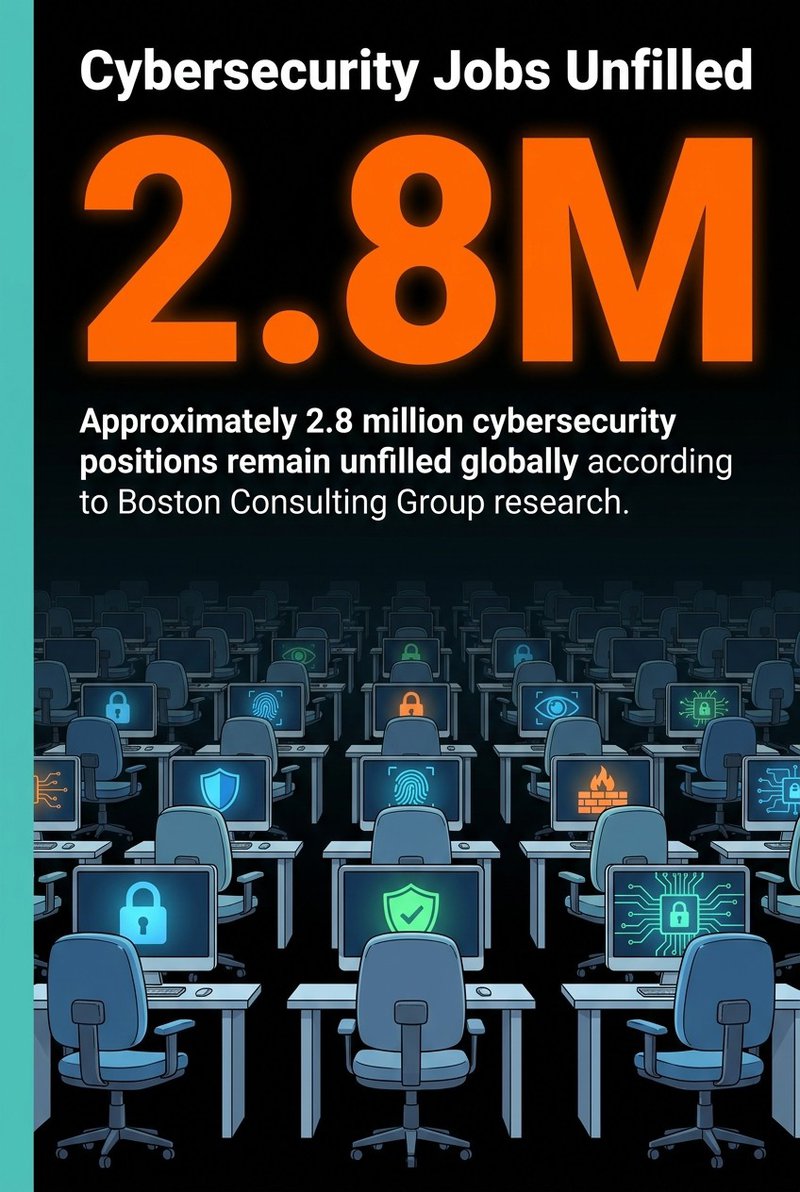
Approximately 2.8 million cybersecurity positions remain unfilled globally.
Small and medium businesses feel this gap most acutely. You can't hire a full-time security team, but you still need enterprise-level protection.
Automation bridges this gap. Tools that continuously monitor, detect, and respond to threats reduce dependence on specialized security knowledge.
Focus on platforms that provide security without requiring constant expert attention. Look for solutions with automatic updates, intelligent threat detection, and clear guidance when human decisions are needed.
Building Your Email Security Action Plan
Start with authentication protocols this week. Verify your SPF records, enable DKIM, and set up DMARC in monitoring mode.
Next, enable multi-factor authentication for all email system access. This single change prevents the majority of account compromise attacks.
Then implement automated list verification. Email opt-in best practices combined with regular verification keep your list clean and secure.
Schedule quarterly security training for your team. Include phishing simulations and review data handling procedures.
Finally, audit your third-party integrations and API access. Remove unused tools and verify that active integrations have appropriate permission levels.
Email data security isn't a one-time project. It's an ongoing commitment to protecting the trust your subscribers have placed in you.
The businesses that succeed long-term are those that view security as a competitive advantage, not just a compliance requirement. Your subscribers notice when you take their privacy seriously, and they reward that respect with loyalty and engagement.

No comments:
Post a Comment