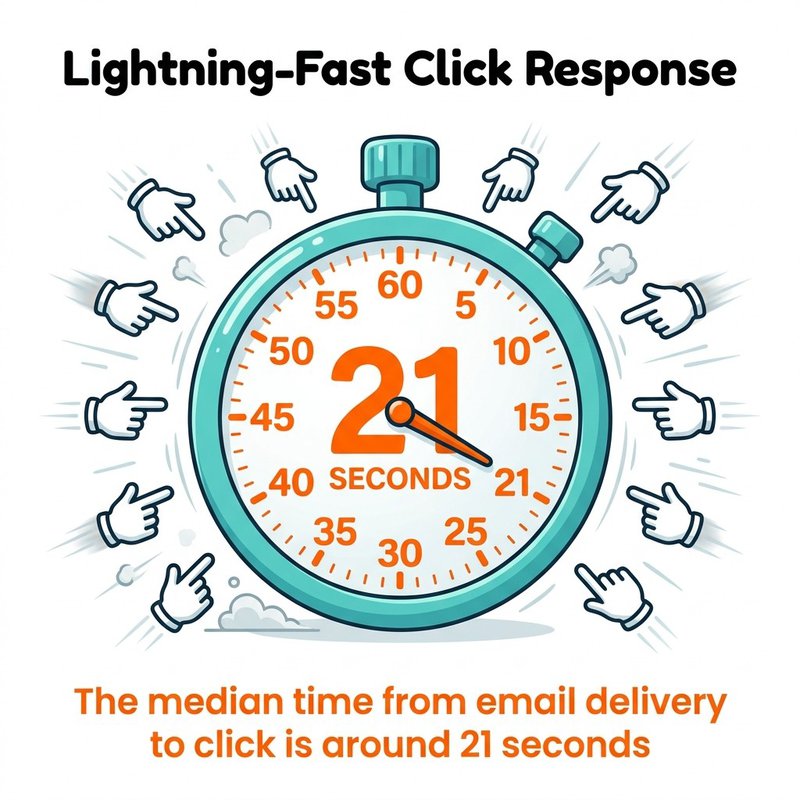
Email phishing protection requires multiple defense layers working together to block attacks that account for over 90% of cyberattacks. Effective protection combines technical controls like email authentication (SPF, DKIM, DMARC) with behavioral defenses including security awareness training that can reduce phishing susceptibility by roughly 85%. Organizations must implement both automated detection tools and human verification processes, since the median time from email delivery to click is around 21 seconds. Phishing attacks now use AI to personalize content at scale, making traditional signature-based detection insufficient.
You check your inbox and see an urgent message from your bank. Your account will be locked unless you verify your details immediately. The logo looks perfect, the sender address seems right, and panic sets in.
Sound familiar?
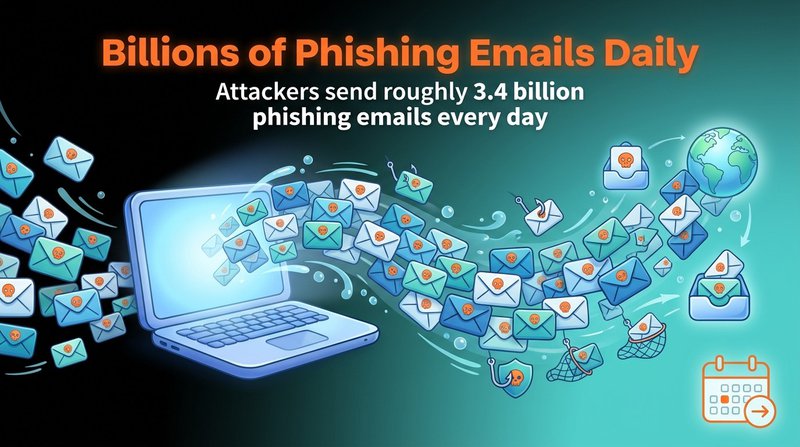
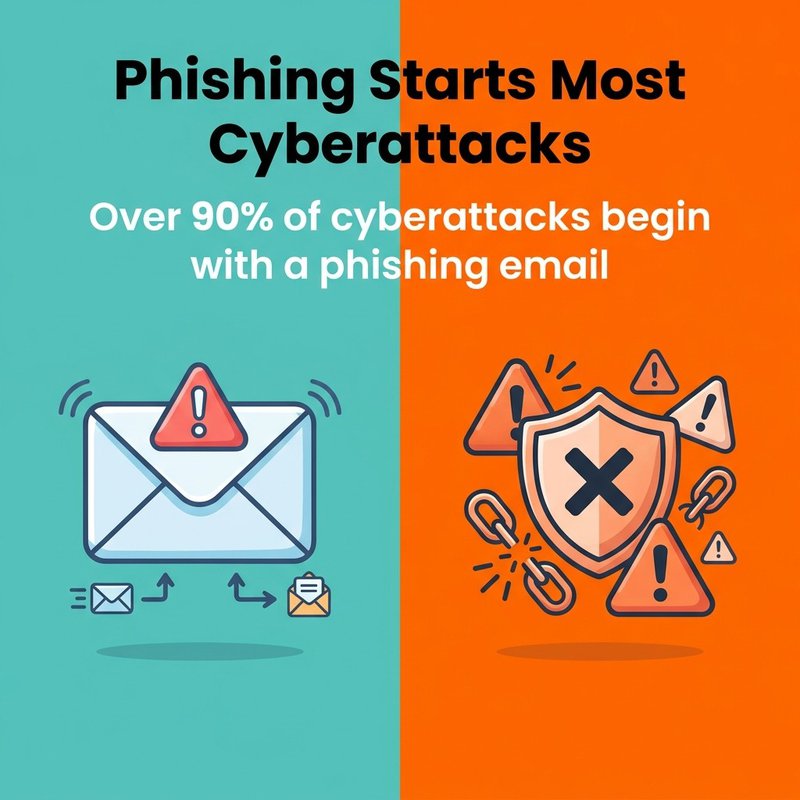
We've watched phishing evolve from obvious Nigerian prince scams to sophisticated attacks that fool even security-conscious professionals. The numbers tell a sobering story: attackers send roughly 3.4 billion phishing emails every day, and over 90% of cyberattacks begin with a phishing email.
At mailfloss, we spend every day thinking about email security because clean, verified email lists are your first line of defense. When you know every address on your list is legitimate, you're already ahead of attackers who rely on fake addresses and compromised accounts.
You'll learn how phishing actually works, how to spot attacks before they damage your organization, and which protection strategies deliver real results. We'll cover the technical controls that stop attacks automatically and the human elements that turn your team into a security asset instead of a vulnerability.
What Is Phishing and Why It Matters Now
Phishing is a cyberattack method where criminals use deceptive emails to trick recipients into revealing sensitive information, clicking malicious links, or downloading infected attachments.
The attack exploits human psychology more than technical vulnerabilities. Cybercriminals craft messages that trigger emotional responses like urgency, fear, or curiosity. They impersonate legitimate organizations, trusted colleagues, or authority figures to bypass your natural skepticism.
The financial damage is staggering. Global phishing losses total roughly 25 billion U.S. dollars annually. But the real cost extends beyond immediate financial theft.
When a successful phishing attack compromises your organization, the global average cost of a data breach reached 4.44 million U.S. dollars in 2025. That figure includes incident response, legal fees, regulatory fines, business disruption, and reputation damage that lingers for years.
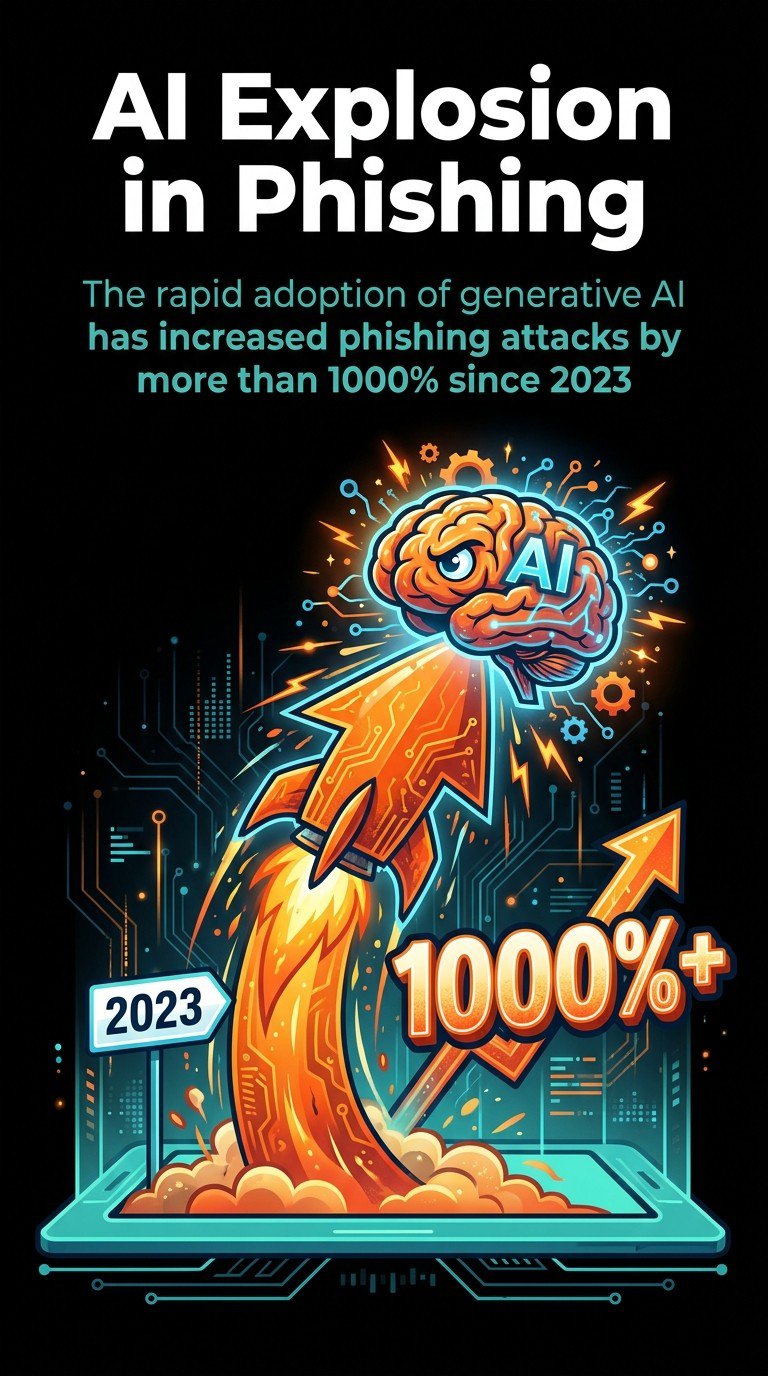
Phishing attacks have become more dangerous because of AI adoption. The rapid adoption of generative AI has increased phishing attacks by more than 1000% since 2023. Attackers now generate convincing emails at scale, personalizing thousands of messages in minutes.
Traditional email security relied on identifying known threats. Modern phishing uses unique, customized messages that signature-based detection cannot catch.
How Phishing Attacks Actually Work
Phishing attacks follow a predictable pattern that exploits both technical weaknesses and human behavior at each stage.
Attackers start by gathering information about their targets. They scrape social media profiles, company websites, and data breach dumps to build detailed profiles. Attackers can automatically personalize content based on scraped data using AI, referencing your job title, recent projects, or colleagues by name.
Next comes the delivery mechanism. Email remains the primary vector because it's universal, trusted, and reaches targets directly. The phishing email typically impersonates a legitimate entity using several deception techniques.
Email Spoofing and Domain Tricks
Cybercriminals register domains that look nearly identical to legitimate ones. They swap letters (rn instead of m), add extra words (accounts-payable-microsoft.com), or use different top-level domains (.co instead of .com).
Some attacks use actual compromised email accounts from legitimate organizations. When your colleague's account gets hacked, phishing emails sent from that account bypass many security filters because the sender is technically legitimate.
Display name spoofing shows a trusted name in your inbox preview while the actual email address remains hidden. You see "CEO John Smith" but the real address is randomstring@suspicious-domain.com.
Social Engineering Tactics
The message content uses psychological manipulation to override logical thinking. Common tactics include creating artificial urgency, appealing to authority, exploiting trust relationships, and triggering fear or greed.
Speed works in the attacker's favor. Research shows people make snap decisions when presented with urgent requests, especially from apparent authority figures.
The payload is what attackers want you to do. Clicking a malicious link takes you to a fake login page designed to steal your credentials. Opening an infected attachment installs malware that can steal data, encrypt files for ransom, or create backdoor access for future attacks.
Some phishing emails simply ask you to reply with sensitive information, transfer money, or change account settings. For business email compromise, approximately 36.8% of observed incidents occur in a given study period, making it one of the most financially damaging attack types.
Types of Phishing Attacks You'll Encounter
Phishing attacks come in multiple forms, each targeting different vulnerabilities with specific tactics designed for particular victims or outcomes.
Mass Phishing Campaigns
Mass phishing casts the widest net, sending identical or similar messages to thousands or millions of recipients. These attacks use generic branding from well-known companies like banks, shipping services, or tech platforms.
The messages claim your account needs verification, a package requires delivery confirmation, or suspicious activity was detected. Success rates are low per message, but attackers compensate with volume.
APWG tracked approximately 3.8 million phishing attacks in 2025, demonstrating the scale at which these campaigns operate.
Spear Phishing
Spear phishing targets specific individuals or organizations with customized messages. Attackers research their victims, referencing real projects, colleagues, or business relationships to build credibility.
These emails might appear to come from a vendor you actually work with, discussing a legitimate invoice or project update. The personalization makes spear phishing significantly more effective than mass campaigns.
Unlike mass phishing that anyone might receive, spear phishing emails contain details only someone familiar with your organization would know. This specificity lowers suspicion and increases response rates.
Whaling Attacks
Whaling targets high-value individuals like executives, senior managers, or decision-makers with financial authority. These attacks often impersonate other executives, board members, or trusted business partners.
The requests typically involve urgent financial transactions, confidential information access, or policy changes that only executives can authorize. High-risk roles like executives are prioritized for phishing-resistant MFA deployment because they're prime targets.
Whaling emails use sophisticated language and business context that reflects executive-level communication. They exploit the trust and authority dynamics within organizations.
Business Email Compromise
Business Email Compromise (BEC) attacks compromise legitimate email accounts and use them to send fraudulent requests. The emails come from real accounts, making them extremely difficult to detect through technical means alone.
Common BEC scenarios include payroll diversion requests, vendor payment changes, gift card purchase requests, and wire transfer instructions. The attacker uses knowledge gained from accessing the compromised account to make requests seem routine.
BEC attacks target the intersection of email access, financial authority, and trust relationships. They bypass many technical security controls because the emails are technically legitimate.
Smishing and Vishing
While email remains the primary vector, phishing extends to other channels. Smishing uses text messages to deliver malicious links or urgent requests. Vishing employs phone calls where attackers impersonate support staff, IT departments, or officials.
Approximately 19% of data breaches originate from smishing or vishing, showing these channels pose real threats despite receiving less attention than email phishing.
How to Recognize a Phishing Email
Phishing emails contain identifiable patterns and red flags that reveal their fraudulent nature when you know what to look for.
Start by examining the sender address carefully. The display name might say "PayPal Security Team" but the actual address is random-letters@suspicious-domain.ru. Hover over the sender name without clicking to reveal the real email address.
Check for domain mismatches. Legitimate companies send from their official domains. Variations like paypa1.com (number one instead of letter L) or paypal-secure.net signal fraud.
Message Content Red Flags
Urgent or threatening language creates artificial pressure. Phrases like "immediate action required," "account will be suspended," or "respond within 24 hours" exploit fear to bypass rational evaluation.
Generic greetings indicate mass campaigns. Legitimate organizations address you by name because they have your account information. "Dear Customer" or "Valued Member" suggests the sender doesn't actually know you.
Grammar and spelling errors appear frequently in phishing emails. While some sophisticated attacks avoid this issue, many still contain awkward phrasing, typos, or unnatural language patterns that professional communications wouldn't include.
Mismatched branding shows when attackers copy logos but can't perfectly replicate legitimate design. Colors might be slightly off, fonts incorrect, or layouts different from authentic emails you've received previously.
Link and Attachment Analysis
Suspicious links require careful inspection before clicking. Hover over any link to preview the actual destination URL. The displayed text might say "www.yourbank.com" but the real destination is a completely different domain.
Shortened URLs (bit.ly, tinyurl.com) hide the actual destination and should raise suspicion in unexpected emails. Legitimate organizations typically use their own domains for important communications.
Unexpected attachments pose significant risk, especially executable files (.exe, .zip, .scr) or documents with macros enabled. If you weren't expecting a file from this sender, don't open it.
Request Type Evaluation
Requests for sensitive information should always trigger scrutiny. Legitimate organizations never ask for passwords, full credit card numbers, or social security numbers via email.
Financial requests require verification through separate channels. If an email asks you to transfer money, change payment details, or purchase gift cards, verify the request by calling the person directly using a known phone number (not one provided in the email).
Account verification demands deserve skepticism. Banks and services don't ask you to verify your account by clicking email links. They direct you to log in through normal channels or visit a branch.
We've seen how quickly people respond to seemingly urgent requests. Understanding these recognition patterns gives you the crucial seconds needed to pause and verify before clicking.
Technical Email Security Controls
Technical controls form the automated defense layer that filters and blocks phishing attempts before they reach your inbox.
Email Authentication Protocols
Three core protocols verify that emails actually come from legitimate sources. SPF (Sender Policy Framework) specifies which mail servers can send email on behalf of your domain. DKIM (DomainKeys Identified Mail) adds digital signatures that prove email content hasn't been tampered with.
DMARC (Domain-based Message Authentication, Reporting, and Conformance) builds on SPF and DKIM by telling receiving servers what to do with emails that fail authentication checks. It can quarantine or reject suspicious messages entirely.
Together, these protocols prevent domain spoofing and email forgery. When properly configured, they make it significantly harder for attackers to impersonate your organization or trusted partners.
Setting up these protocols requires DNS configuration. Your IT team or email service provider can implement them, but they need active management and monitoring to remain effective.
Advanced Threat Detection
Modern email security solutions use multiple detection methods to identify phishing attempts. Reputation-based filtering blocks emails from known malicious sources by maintaining databases of suspicious domains and IP addresses.
Content analysis examines email body text, subject lines, and attachments for known malicious patterns. Machine learning models identify anomalies that indicate phishing even when the specific attack is new.
Link scanning checks URLs against threat databases and analyzes destination pages for phishing indicators. Some solutions rewrite links to route through security gateways that verify safety in real-time before redirecting users.
Sandbox analysis detonates suspicious attachments in isolated environments to observe their behavior before delivery. This catches malware that traditional antivirus signatures miss.
Email Gateway Solutions
Secure email gateways sit between the internet and your email infrastructure, filtering messages before they reach user mailboxes. These solutions combine multiple detection techniques into a unified platform.
Cloud-based gateways protect organizations using platforms like Microsoft 365 or Google Workspace. They integrate with these platforms to provide additional protection layers beyond built-in filtering.
Gateway features typically include spam filtering, malware scanning, data loss prevention, encryption, and detailed logging for security investigations. They can quarantine suspicious messages for admin review rather than delivering them directly.
Configuration matters significantly. Default settings provide baseline protection, but tuning filters to your organization's specific communication patterns reduces false positives while improving threat detection accuracy.
Building a Security Awareness Training Program
Security awareness training transforms your employees from potential vulnerabilities into active defenders against phishing attacks.
Technical controls catch most threats, but humans remain the last line of defense when sophisticated attacks bypass automated filters. Training programs teach recognition skills and establish reporting procedures that contain threats quickly.
Survey data indicates about 33.1% of employees are susceptible to phishing without training. That baseline vulnerability demonstrates why education matters.
Core Training Components
Effective training covers real attack examples your organization has encountered. Generic warnings about "suspicious emails" don't work as well as showing actual phishing attempts that targeted your industry or company.
Teach specific verification procedures. Employees need to know exactly who to contact and how when they receive suspicious requests. Establishing clear escalation paths removes the uncertainty that makes people hesitate to report concerns.
Cover social engineering tactics explicitly. When people understand the psychological manipulation techniques attackers use, they're better equipped to recognize when those tactics are being deployed against them.
Simulated Phishing Exercises
Simulation programs send realistic (but safe) phishing emails to employees and track who clicks links or submits credentials. These exercises provide valuable data about organizational vulnerability and individual susceptibility.
The goal isn't to punish people who fail tests. Instead, use simulations as teaching moments. When someone clicks a simulated phishing link, immediately provide educational content explaining what red flags they missed.
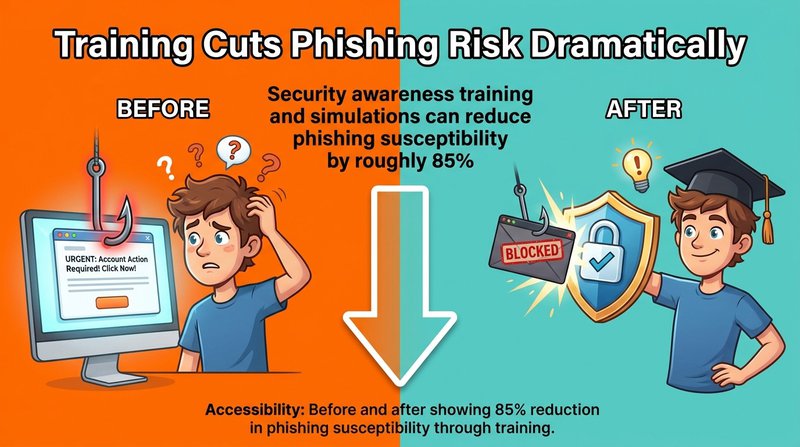
Security awareness training and simulations can reduce phishing susceptibility by roughly 85% when implemented consistently over time.
Run simulations regularly with varying difficulty levels. Start with obvious phishing examples, then gradually increase sophistication to match real-world threats your organization faces.
Department-Specific Training
Different roles face different phishing risks. Finance teams need specialized training on BEC attacks and payment fraud. Executives require awareness of whaling tactics. HR staff should understand payroll diversion schemes.
Tailor training content to the specific threats each group encounters. Generic training feels irrelevant, but role-specific scenarios demonstrate immediate practical value.
High-risk individuals like executives and finance personnel benefit from additional training frequency and more sophisticated simulation exercises that reflect the targeted attacks they're likely to face.
Essential Phishing Protection Tools
Email Security Platforms
Proofpoint Email Protection provides threat intelligence, URL defense, and attachment sandboxing specifically designed for advanced phishing attacks. It integrates with major email platforms and uses machine learning to detect new threats.

Mimecast Email Security offers cloud-based protection that includes URL rewriting, impersonation protection, and targeted threat protection against spear phishing and whaling attacks.

Barracuda Email Protection combines AI-powered threat detection with incident response tools. It identifies account takeover attempts and can automatically remediate delivered threats by removing malicious emails from all mailboxes.

Multi-Factor Authentication Solutions
MFA adds a critical secondary defense layer. Even when phishing steals passwords, attackers can't access accounts without the second authentication factor.
Duo Security provides push-based authentication, hardware tokens, and biometric verification. It integrates with hundreds of applications and provides detailed access logs for security monitoring.

Phishing-resistant MFA methods include hardware security keys, certificate-based authentication, and FIDO2 passkeys. These methods can't be phished because they use cryptographic verification tied to the legitimate website domain.
Traditional SMS-based MFA offers less protection since attackers can intercept codes through SIM swapping or social engineering. Prioritize app-based or hardware-based authentication for sensitive accounts.
Email Verification Services
Email verification tools help maintain clean email lists by identifying invalid, temporary, or suspicious email addresses before they become security problems.
At mailfloss, we automatically verify email addresses across your lists, removing invalid entries and fixing common typos that attackers exploit. When your email lists contain only verified, legitimate addresses, you reduce the attack surface and improve overall email security.

Verification integrates seamlessly with platforms including Mailchimp, HubSpot, ActiveCampaign, and over 30 other email service providers. The automated daily cleaning runs in the background, requiring no ongoing management.
Password Management Tools
1Password, LastPass, and Bitwarden generate and store unique passwords for every account. When employees use password managers, credential theft from one phishing attack doesn't compromise multiple accounts.


Password managers also help detect phishing sites. They autofill credentials only on legitimate domains, so if the manager doesn't recognize a site, that's a warning sign before you manually enter your password.
Incident Response Platforms
Security information and event management (SIEM) tools collect and analyze security logs from across your infrastructure. They help detect successful phishing attacks by identifying unusual login patterns, data exfiltration, or lateral movement within your network.
When incidents occur, response platforms coordinate investigation and remediation activities. They document timelines, track evidence, and manage communication with stakeholders and potentially regulators.
What to Do If You Fall Victim to Phishing
Fast, systematic response minimizes damage when someone clicks a phishing link or submits credentials to a fake site.
Immediately disconnect the affected device from your network if you opened an attachment or clicked a suspicious link. This prevents malware from spreading to other systems or exfiltrating data.
Immediate Containment Steps
Change passwords for any accounts you entered credentials into. Do this from a different, trusted device since the compromised one may have keyloggers installed.
If you provided financial information, contact your bank immediately to freeze cards or accounts. Report the fraud through their designated channels and monitor accounts closely for unauthorized transactions.
For work-related incidents, notify your IT security team immediately. Many organizations have incident response procedures that activate automatically when employees report potential compromises.
Document everything. Take screenshots of the phishing email, note what information you provided, and record times when actions occurred. This documentation helps incident response teams assess damage and guides remediation efforts.
System Remediation
Run complete antivirus and anti-malware scans on the affected device. Use updated security software from trusted sources, not programs suggested in the phishing email itself.
Check for unauthorized account changes. Attackers often modify email forwarding rules, add delegates to calendars, or change phone numbers and recovery emails for persistence.
Review recent account activity for suspicious actions. Check sent folders for emails you didn't send, file access logs for data you didn't view, and login histories for unrecognized locations or devices.
Communication and Reporting
Report the phishing attempt to your email provider. Most have dedicated reporting mechanisms that feed threat intelligence systems and improve filtering for everyone.
File reports with relevant authorities. The FBI's Internet Crime Complaint Center accepts phishing reports, and the Anti-Phishing Working Group collects threat data to combat phishing globally.
Notify potentially affected contacts if your account sent phishing emails. Attackers frequently use compromised accounts to target your contacts since those recipients trust emails from you.
Learn from the incident. Analyze what red flags you missed and use the experience to improve your recognition skills. Sharing lessons learned helps colleagues avoid similar mistakes.
Regulatory and Compliance Considerations
Organizations may have legal reporting obligations depending on what data was compromised. Regulators have imposed more than 7.1 billion euros in GDPR fines since 2018, with many violations stemming from inadequate breach response.
GDPR requires notification within 72 hours of discovering a personal data breach. Similar requirements exist under CCPA, HIPAA, and other regulations depending on your industry and location.
Document your response timeline and actions taken. Demonstrating prompt, appropriate response can mitigate regulatory penalties even when breaches occur.
Frequently Asked Questions
Can I be hacked if I reply to an email?
Simply replying to an email with plain text usually will not compromise your device. The real risks come from clicking malicious links, opening infected attachments, or entering passwords on fake phishing sites. However, replying confirms your address is active, which may increase future spam or targeted attacks.
Is there a way to stop phishing emails completely?
You cannot completely stop phishing emails, but you can greatly reduce them. Use email provider spam filters, enable multifactor authentication, keep software updated, and report phishing messages. Organizations should add technical controls like email authentication (SPF, DKIM, DMARC), security awareness training, and phishing reporting tools.
Which email service is least likely to be hacked?
No email service is hack-proof, but accounts are least likely to be compromised when you use a major provider with strong security features, enable multifactor authentication, use a unique long password, and keep recovery options updated. Your security configuration and habits matter more than the specific provider.
Building Your Phishing Defense Strategy
Effective phishing protection isn't a single tool or training session. It's an ongoing process that combines technical controls, human awareness, and systematic response procedures.
Start with the technical foundation. Implement email authentication protocols, deploy advanced threat detection, and ensure MFA protects all critical accounts. These automated defenses handle the majority of phishing attempts without requiring human intervention.
Layer in the human element. Regular training transforms employees from targets into sensors who detect and report sophisticated attacks that bypass technical filters. Simulated phishing exercises identify gaps and build recognition skills through practice.
Establish clear response procedures. When (not if) someone clicks a phishing link, your organization needs documented steps that contain damage quickly. Everyone should know who to contact, what to do with their device, and how to report incidents without fear of punishment.
Maintain clean email infrastructure. Email verification best practices ensure your lists contain only legitimate, verified addresses. This reduces your attack surface and improves the signal-to-noise ratio for security monitoring.
Review and update your defenses regularly. Phishing tactics evolve constantly, with phishing generating approximately 82.6% of emails detected between late 2024 and early 2025 showing signs of AI generation. What worked last year may not address current threats.
Your security posture improves through continuous, incremental enhancements. Each small improvement compounds over time, creating resilient defenses that adapt as threats change.
Take action today. Verify your email authentication settings are configured correctly. Schedule the next training session. Test your incident response plan. Small steps now prevent major incidents later

No comments:
Post a Comment